Help centre › Doing more
Cooking mode and shopping lists
Cook from a saved recipe step by step, and shop for several at once.
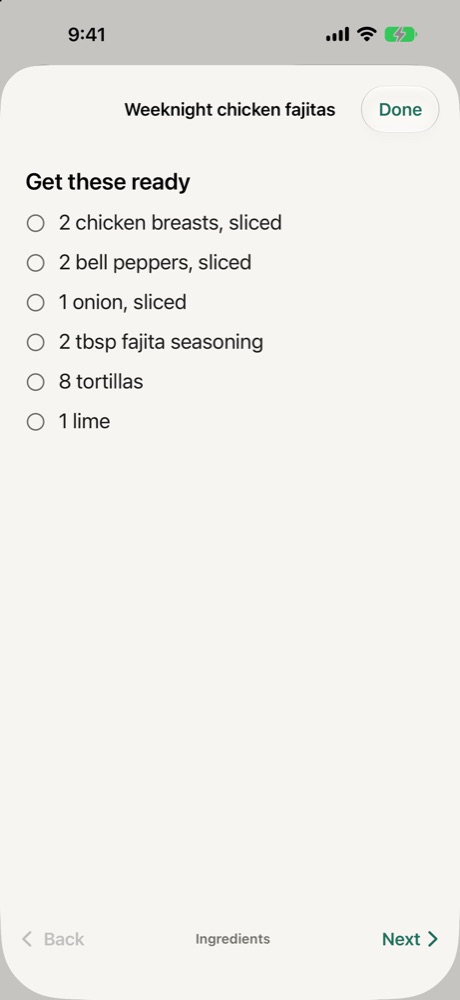
Cooking mode
- Open a saved recipe and tap Start cooking.
- Tick off the ingredients as you get them ready, then tap Next.
- Follow one step at a time in big text. The screen stays on.
- When a step says how long (“simmer for 10 minutes”), tap Start a timer. THNGS tells you when it's done.
Shopping list
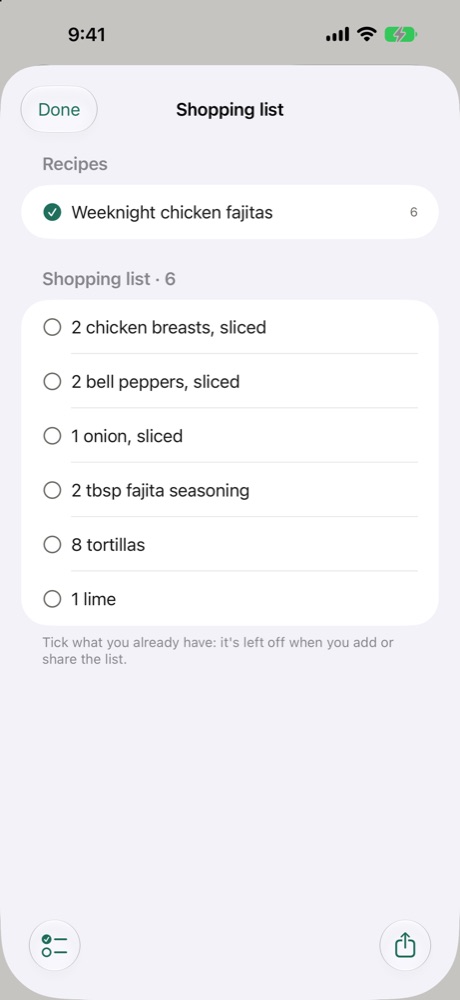
- On a recipe, tap Shopping list.
- Tick every recipe you're making. The same things are added up (2 eggs + 1 egg = 3 eggs).
- Tick what you already have.
- Tap Add to Reminders (a list called Shopping) or Share.